xCloud and Xbox Game Pass : Plans, Prices, Cloud Hour Limits, and How to Start Playing
xCloud and Xbox Game Pass is Microsoft’s game subscription service. You pay a monthly fee and get access to a library of games you can download on Xbox consoles and PC, or stream through the cloud on other devices.
- Game Pass Essential (replaced Game Pass Core, which earlier replaced Xbox Live Gold)
- Game Pass Premium (replaced Game Pass Standard)
- Game Pass Ultimate (the full package)
- PC Game Pass (for Windows PC players)
So if you read an older article saying “Game Pass Core gets xCloud,” it is talking about what is now Game Pass Essential.
What Is xCloud (Xbox Cloud Gaming)?
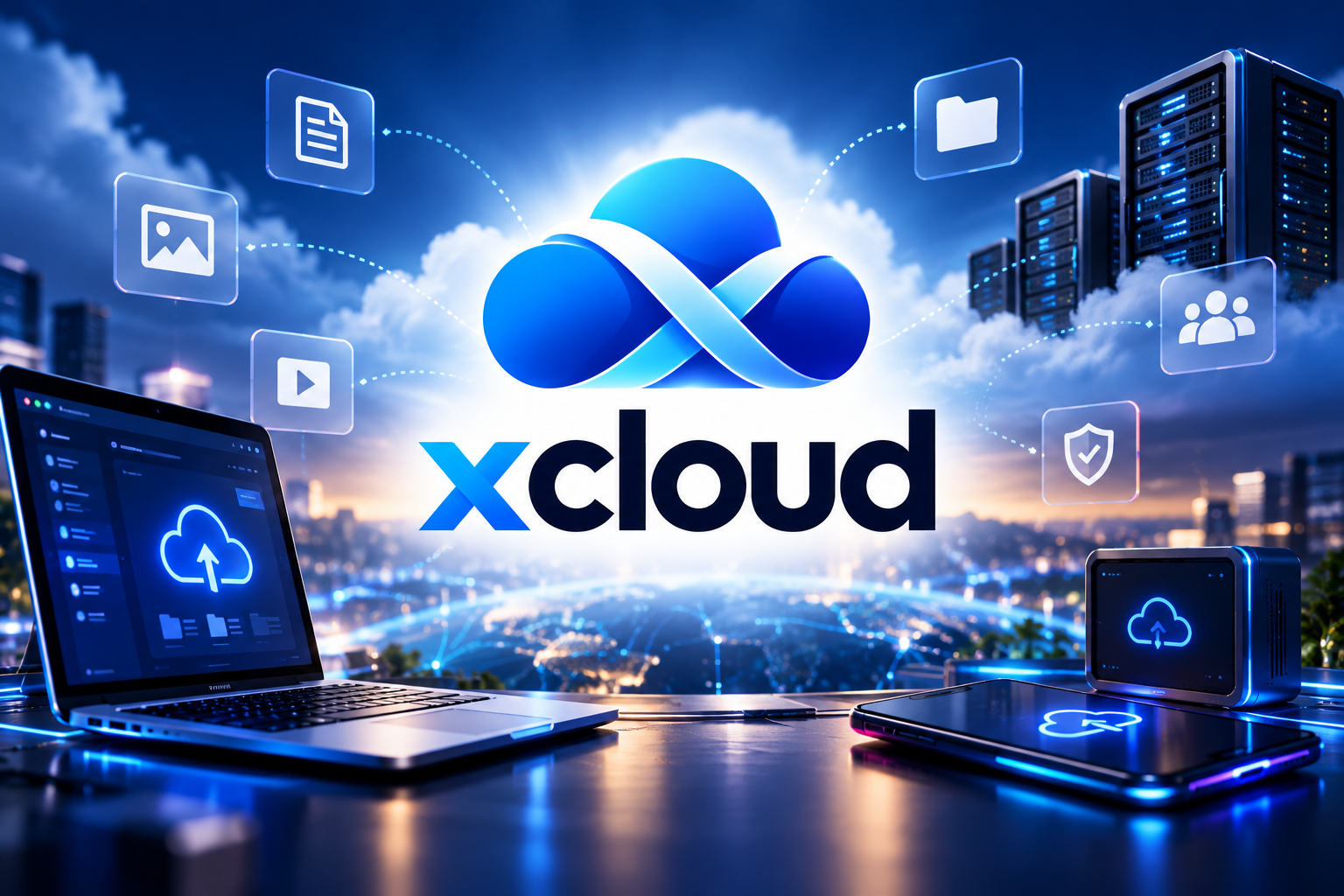
xCloud, also searched as x cloud, was the original project name for Xbox Cloud Gaming. It launched in 2020 and lets you stream Xbox games from Microsoft’s servers instead of running them on your own console.
The game runs in a Microsoft data center, and your device simply shows the video and sends your button presses. This means you can play console games on:
- Android phones and tablets
- iPhones and iPads (through a web browser)
- Windows PCs and Macs
- Supported Samsung and LG smart TVs
- Some streaming sticks and handheld devices
You don’t need an Xbox console. You just need a supported device, a controller (or touch controls on some games), and a good internet connection.
Xbox Game Pass Plans and Prices in 2026
Here’s a simple comparison of the current Xbox Game Pass plans. Prices are U.S. prices after Microsoft’s April 2026 update. Prices in other countries are different.
| Plan | U.S. Price | Game Library | Day-One Games | Cloud Gaming (xCloud) |
|---|---|---|---|---|
| Game Pass Essential | $9.99/month | 50+ games | No | Yes, up to 1080p |
| Game Pass Premium | $14.99/month | 200+ games | No | Yes, up to 1080p, shorter wait times |
| PC Game Pass | $13.99/month | Hundreds of PC games | Yes | No |
| Game Pass Ultimate | $22.99/month | Full library | Yes | Yes, up to 1440p, best priority |
Game Pass Essential
This is the cheapest plan. It includes online multiplayer on console, a smaller game library, and access to xCloud. It’s a good fit if you mainly play online with friends and only want a few extra games.
Game Pass Premium
Premium gives you a much bigger library of 200+ games. New Xbox-made games come to Premium later, not on launch day. When the cloud servers are busy, Premium players get priority over Essential players.
Game Pass Ultimate
Ultimate is the complete plan. It includes day-one releases, EA Play, PC Game Pass, and the best cloud quality at up to 1440p with the shortest wait times.
PC Game Pass
PC Game Pass is for people who play on a Windows PC. It includes day-one games, but it does not include xCloud cloud streaming.
The Big Change: xCloud Hour Limits From November 2026
This is the most important update for cloud players. On September 3, 2026, Microsoft announced on Xbox Wire that cloud gaming will no longer be unlimited.
Monthly Cloud Gaming Hours by Plan
Starting in November 2026, each plan comes with a fixed number of cloud hours every month:
| Plan | Cloud Gaming Hours Per Month |
|---|---|
| Game Pass Essential | 5 hours |
| Game Pass Premium | 10 hours |
| Game Pass Ultimate | 15 hours |
To put this in perspective, 15 hours a month is about 30 minutes of cloud play per day.
What Happens When Your Hours Run Out?
Once you use your monthly hours, you can buy extra cloud playtime from the Xbox Store. Microsoft says it will share prices, how to check your remaining hours, and which games are eligible in November.
Who Is Affected?
Microsoft says the limits affect about 4% of Game Pass members, mainly people who play a lot through the cloud. If you mostly download games to your console or PC, these limits won’t affect you.
Important Points to Remember
- The limits only apply to Xbox Cloud Gaming, where games run on Microsoft’s servers.
- Downloading and playing games on your own Xbox or PC is not limited.
- Hours, prices, and features may be different in each country.
Can You Use xCloud Without Xbox Game Pass?
Yes. This is new. From November 2026, you can use xCloud without any Xbox Game Pass plan.
Here’s how it will work:
- Buy cloud playtime hours from the Xbox Store.
- Stream eligible games that you already own on supported devices.
- Pay only for the time you use, with no monthly subscription.
This is helpful for:
- People who only play occasionally
- Travelers who want to play on a phone or laptop for a few days
- Xbox One owners who want to play some Xbox Series X|S games without buying new hardware
Microsoft is also testing a free, ad-supported cloud option with Xbox Insiders. This would let people stream games they own for free after watching ads. It is still in testing.
Stream Your Own Game and PC Game Streaming
In 2025, Microsoft added two features that make xCloud more flexible:
Stream Your Own Game
You can stream eligible games you have bought, even if they are not part of the Game Pass library. If you own a supported game, you don’t need to download it to play it through the cloud.
Play Selected PC Games Through the Cloud
Some PC titles can also be streamed to compatible devices like Windows PCs and handheld gaming PCs. This is useful if your device isn’t powerful enough to run the game itself.
Free Games You Can Play With Xbox Cloud Gaming
Not every cloud game needs Xbox Game Pass. Some free-to-play games, like Fortnite, can be streamed through Xbox Cloud Gaming on supported devices. Free-to-play cloud access may change under the new November model, so check the Xbox app for current rules.
If you play Fortnite, check our guide to the latest Fortnite Lobby Hack Codes to see how this new feature works.
Many players also split their time between Xbox and Roblox. If that’s you, these guides will help you get free rewards:
Anime Expeditions Codes for free Trait Crystals and Gems
Universal Tower Defense Z Codes for free Gems and boosts
Untitled Boxing Game Codes for free spins and rewards
Ghoul Re Codes for free Ghoul Points
GTA 6 and Xbox Cloud Gaming: What’s Confirmed?
There has been confusion about GTA 6 and xCloud, so here is a clear summary.
What was reported: In early October 2026, The Verge reported that Xbox had secured exclusive streaming rights for GTA 6, which suggested PC players might be able to stream it.
What Xbox clarified: Xbox Chief Strategy Officer Matthew Ball said the reports weren’t accurate. GTA 6 is launching on Xbox on November 19, 2026, but it will not stream exclusively through Xbox and it will not stream to PC.
So if you want to play GTA 6 at launch, you’ll still need an Xbox Series X|S or a PS5. Don’t buy cloud hours expecting to play GTA 6 on a PC or phone.
How to Start Playing With xCloud: Step-by-Step
Getting started with xCloud is easy.
Step 1: Check if Cloud Gaming Works in Your Country
Xbox Cloud Gaming is not available everywhere. Check Microsoft’s supported countries list before paying for anything.
Step 2: Get a Plan or Cloud Hours
Subscribe to Game Pass Essential, Premium, or Ultimate, or (from November 2026) buy cloud playtime hours from the Xbox Store.
Step 3: Choose Your Device
- Phone/tablet: Use the Xbox app on Android, or open xbox.com/play in a browser on iPhone/iPad.
- PC or Mac: Open xbox.com/play in Chrome, Edge, or Safari, or use the Xbox app on Windows.
- Smart TV: Open the Xbox app on a supported Samsung or LG TV.
Step 4: Connect a Controller
Connect an Xbox controller using Bluetooth or USB. Some games also support touch controls on phones.
Step 5: Pick a Game and Press Play
Find a game with the cloud icon and press Play. It should start in a few seconds.
Tips for Smooth xCloud Gaming
A good internet connection matters more than your device. Follow these tips for the best results:
- Speed: Use at least 20 Mbps for 1080p streaming.
- Use 5 GHz Wi-Fi or a cable: A 5 GHz Wi-Fi network or a wired Ethernet connection reduces lag.
- Sit close to your router: Walls and distance weaken the signal.
- Close background downloads: Pause downloads, video streaming, and large updates while you play.
- Track your hours: From November, keep an eye on your remaining monthly hours so you don’t run out in the middle of a game.
- Download big games when you can: If you have an Xbox or gaming PC, download long games instead of streaming them to save your cloud hours.
Which Xbox Game Pass Plan Should You Choose?
| If you… | Choose |
|---|---|
| Mainly play online with friends on console | Essential |
| Want a big library and don’t need new games on day one | Premium |
| Want new games on launch day and the best cloud quality | Ultimate |
| Only play on a Windows gaming PC | PC Game Pass |
| Only play through the cloud a few times a month | Cloud playtime hours (from November) |
For most console players, Premium gives the best value. If you rely heavily on cloud gaming, remember that even Ultimate is limited to 15 hours per month from November, so buying extra hours could add to your cost.
Frequently Asked Questions
Is xCloud the same as Xbox Cloud Gaming?
Yes. xCloud (or x cloud) was the project name, and Xbox Cloud Gaming is the official name today.
Does Game Pass Core include xCloud?
Game Pass Core no longer exists. It became Game Pass Essential, which includes cloud gaming with 5 hours per month from November 2026.
Is Xbox Cloud Gaming still unlimited?
It is unlimited until the new rules start in November 2026. After that, Essential gets 5 hours, Premium gets 10 hours, and Ultimate gets 15 hours each month.
Can I play Xbox games without a console?
Yes. With xCloud, you can stream supported games to your phone, PC, Mac, or smart TV.
Can I stream GTA 6 on my PC with xCloud?
No. Xbox has confirmed that GTA 6 will not stream to PC at launch.
Does PC Game Pass include xCloud?
No. PC Game Pass does not include cloud gaming. You need Essential, Premium, or Ultimate, or cloud playtime hours.

One Comment